
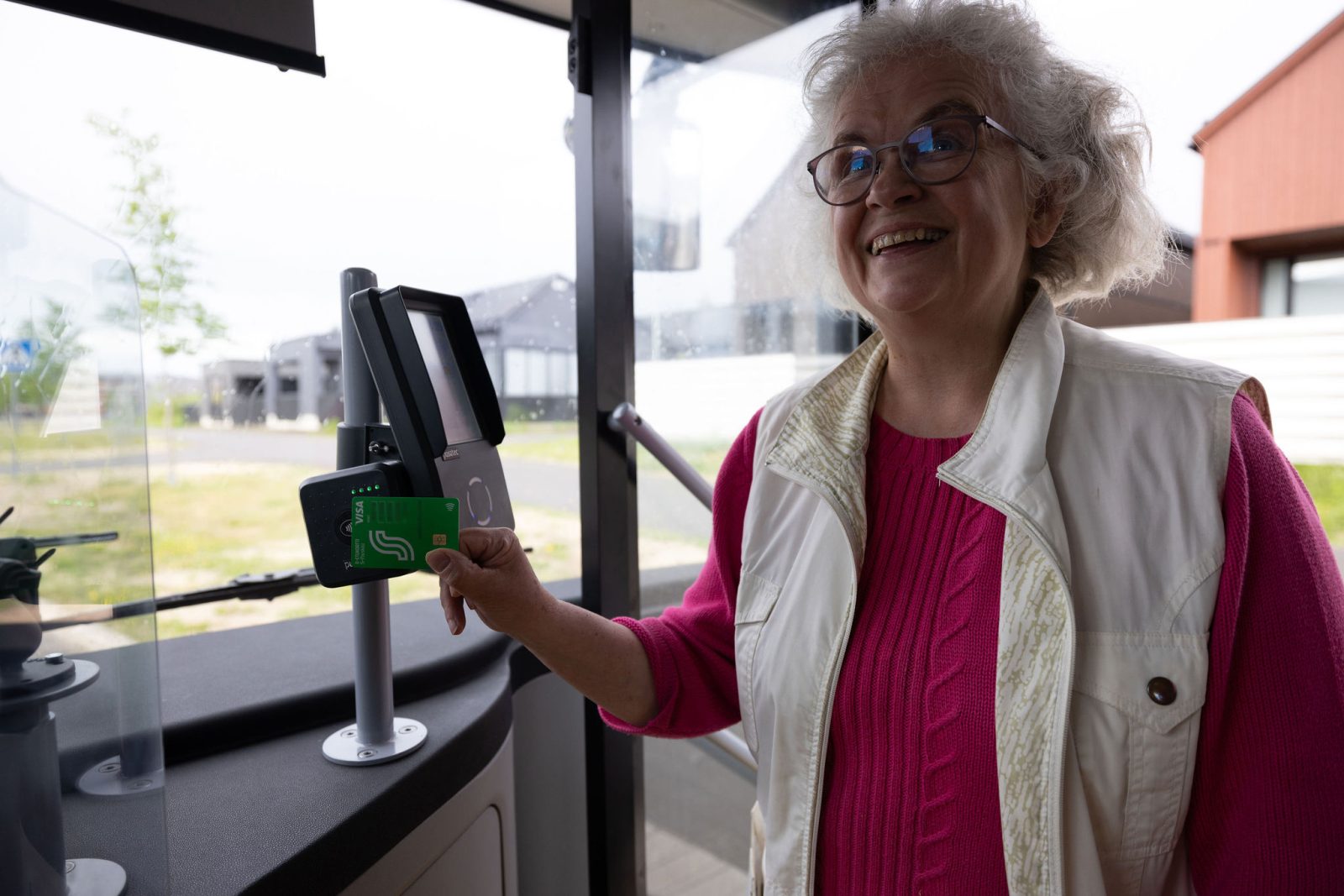
Did you hear a beep from the bus ticket machine signaling that your contactless payment was declined? Did you get charged more than the number of trips you actually took that day? We’ve put together a list of what might block a payment and how contactless charges work.
Contactless payment is one of the most popular ways to pay for single tickets on OSL buses – over 6,000 successful purchases every day. Most payments go through just fine.
If the payment fails, here’s what to do:
- Try again and hold your card in place for a moment. Sometimes the reader doesn’t recognize the card right away.
- Use only one card in the reader, not a wallet or phone at the same time.
- If it keeps getting rejected, the card might have reached its security limit. Using your PIN at the store, for example, resets the limit.
- Make sure your card is Visa, Mastercard, or Eurocard and has the contactless symbol.
- If your bank card is new, activate it at a payment terminal where you can enter your PIN.
If the methods mentioned above didn’t help
If contactless payment still doesn’t work despite the above steps, we recommend buying your ticket
- with the OSL app,
- by getting an OSL card,
- at an R-kioski, or
- in cash from the driver.
If other payment methods on the bus work, a failed contactless payment does not entitle you to a free travel.
If you continue having trouble with contactless payments, please contact our customer service. The problem might be specific to your card.
Contactless Payment Charges
Charges for trips made with contactless payment may appear in your bank account several days later, and a single charge may include multiple trips.
A pre-authorization is shown for contactless payments. A pre-authorization is not a payment for the bus ticket, but a temporary hold set by the bank for a specific amount of money. The amount of the pre-authorization varies by bank. The pre-authorization is removed once the fee has been charged.
You can check trips made with contactless payment and print receipts online: https://osl.littlepay.com/en/.